Technical SEO Checklist: The Complete Guide for 2026
Your site could have brilliant content and strong backlinks, but if search engine crawlers can't access your pages, you're invisible.
Technical issues block indexing, slow page load times kill user experience, and broken redirects waste crawl budget on dead ends. These problems cost you rankings every day they persist, letting competitors with better technical foundations capture traffic you should own.
Technical SEO ensures the page architecture, speed, and accessibility meet the standards search engines like Google demand in 2026 and beyond.
This technical SEO checklist (You can get a full checklist here ) walks you through every critical element, from crawl optimization to Core Web Vitals, giving you a prioritized roadmap to fix what's holding your site back and improve your visibility in search results.
What Technical SEO Means
Technical SEO refers to optimizing your website's infrastructure so bots can crawl, index, and position your pages efficiently.
Unlike on-page SEO that focuses on content and keywords or off-page SEO that builds authority through links, technical SEO involves the underlying systems that make your site accessible and performant.
It covers server configurations, site structure, URL handling, page speed, mobile responsiveness, structured data, and security.
When technical SEO and on-page SEO work together, you create pages bots understand and users can access quickly on any device.
Technical SEO ensures that search engines can discover every important page on your site, understand your content hierarchy, and serve your pages to users without frustrating delays or errors.
Effective technical SEO strategies remove barriers between your content and top positions in search results, creating the technical foundation that lets content quality and link-building efforts actually deliver results.
Without solid technical infrastructure, even the best SEO efforts hit a ceiling where technical problems prevent further gains.
Who Needs This Technical Checklist
Site owners launching new sites or troubleshooting traffic drops need technical audits to identify invisible problems.
SEO professionals conducting client audits use comprehensive technical SEO checklists to systematically review every ranking factor.
Developers implementing site changes need SEO guidance to avoid breaking existing optimization.
Content teams expanding sites require technical frameworks that scale without creating duplicate content issues or crawl inefficiencies.
Agencies managing multiple clients need repeatable technical seo audit processes that catch common problems consistently.
E-commerce platforms with thousands of products must optimize crawl budget and prevent search engines from wasting resources on low-value filter pages.
News publishers racing to index fresh content need fast sites that render the page quickly for both users and crawlers.
Anyone serious about organic visibility needs to prioritize technical health alongside content and links.
How to Use This Checklist
- Start with a technical seo audit using tools like Screaming Frog or a site audit tool to identify current issues.
- Export crawl data, check Google Search Console for indexing errors, and run Core Web Vitals tests on key templates.
- Document everything you find, then prioritize fixes using an impact versus effort matrix.
- High-impact problems affecting many pages or blocking important content rank first. Quick wins that improve user experience with minimal development effort come next.
- Schedule quarterly full audits and monthly lightweight checks after content updates or site changes.
- Run immediate spot checks after migrations, redesigns, or major technical changes that could prevent search engines from accessing content.
- Track fixes in a spreadsheet or project management system with columns for issue, priority, owner, status, and verification date.
Effective SEO strategies combine systematic audits with continuous monitoring, catching new problems before they accumulate into ranking losses.
Crawlability and Indexing Fundamentals
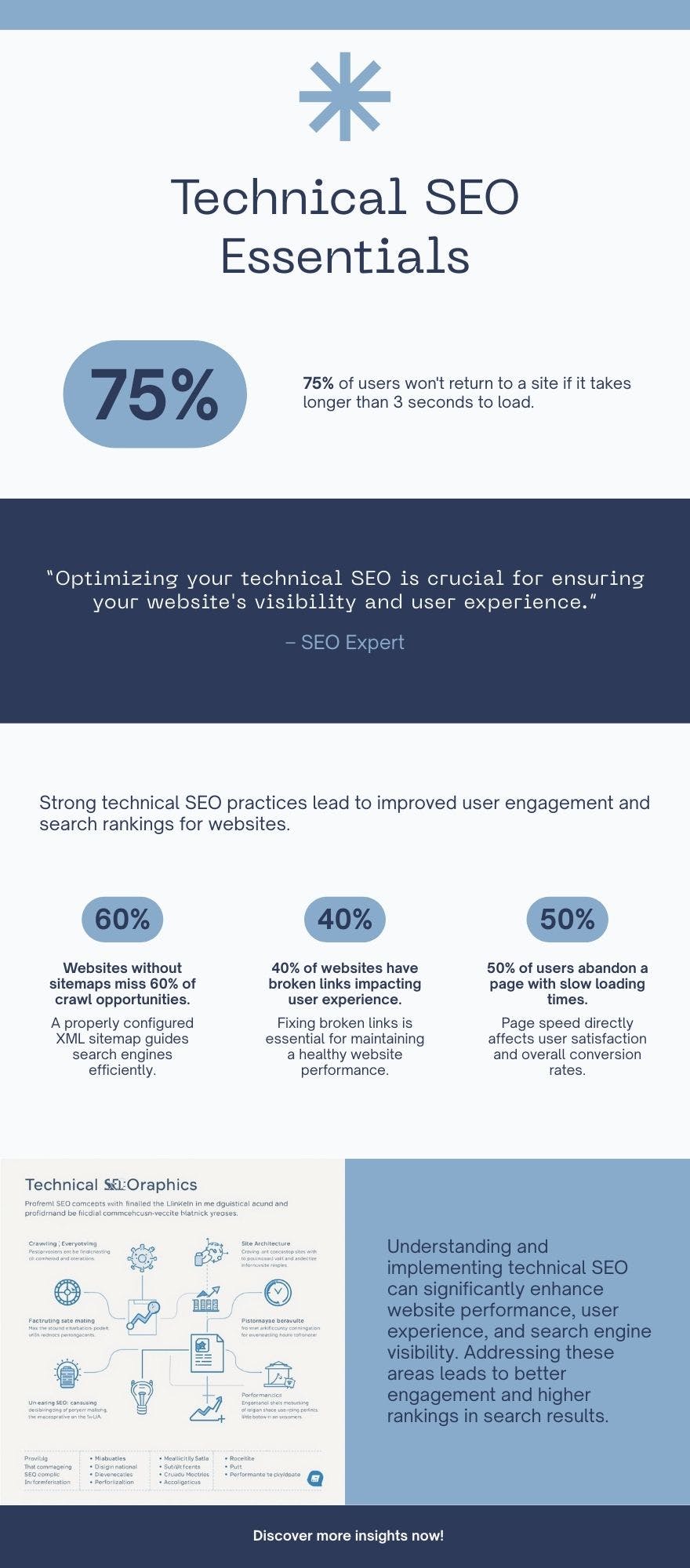
Bots must access your site to discover pages and index them for ranking.
Your robots.txt file controls which paths crawlers can access. Check that robots.txt exists at your root domain and doesn't accidentally block important pages.
Validate rules to confirm you're disallowing only low-value sections like admin panels or staging environments.
Test your robots.txt file in Google Search Console's tester tool to verify bots can reach critical pages.
XML sitemaps list the pages you want indexed.
Your xml sitemap should include only canonical URLs that return 200 status codes, excluding redirected or duplicate pages.
Submit sitemaps through Google Search Console and Bing Webmaster Tools. Update sitemaps when you publish significant new content or restructure sections.
Large sites need sitemap index files split by content type to stay under the 50,000 URL limit.
Index coverage reports show which pages Google successfully indexed versus those excluded for technical reasons.
Review excluded pages to identify unintentional blocks from noindex tags, canonical conflicts, or access anomalies.
Fix errors like server problems (5xx), not found errors (4xx), and redirect chains.
Soft 404s where pages return 200 status codes but contain no content need proper 404 responses.
Crawl budget matters for large sites where limited resources get allocated to discovering pages.
Optimize by reducing low-value URLs, improving server response times, and prioritizing important pages through internal linking.
Monitor stats in Search Console to understand how many pages get crawled daily and whether new content gets discovered efficiently.
Site Architecture and URL Management
Logical site structure keeps important pages within a few clicks of your homepage, ensuring search engines find and prioritize them.
Use categories, subcategories, and siloed content organization that groups related topics together.
Implement breadcrumb navigation that shows hierarchy and provides contextual internal links.
Shallow site depth beats deep nesting where critical pages sit buried six or seven levels down from the homepage.
URL structure best practices demand readable, hyphen-separated, lowercase URLs that describe page content clearly.
Avoid excessive parameters that create duplicate content issues or confuse users and search engines about canonical versions.
When parameters are necessary for functionality, use canonicalization to point all variations toward the preferred URL version.
Clean URLs like /products/running-shoes beat parameter-heavy alternatives like /products?cat=7&id=shoes for both user experience and SEO performance.
Internal linking distributes authority from strong pages to deeper content while helping search engine crawlers discover pages efficiently.
Fix broken links that return 404 errors and frustrate users while wasting link equity.
Identify orphan pages with no internal links pointing to them, then integrate them into your navigation and content through relevant contextual links.
Strategic internal linking also signals topic relationships that help search engines understand your content's topical authority in specific areas.
On-Page Technical Elements
Canonical tags prevent duplicate content issues by specifying the preferred version when multiple URLs serve similar or identical content.
Implement self-referencing canonical tags on all important pages to explicitly declare the canonical version even when no duplicates exist.
This protects against accidental duplication from URL parameter variations or session IDs.
Validate that canonical tags point to the correct URLs and don't create chains where page A canonicalizes to B which canonicalizes to C.
Meta robots tags and X-Robots-Tag headers control indexing on a per-page or per-resource basis.
Ensure pages you want ranking don't carry noindex directives accidentally left from development or applied through template errors.
Use X-Robots-Tag for non-HTML files like PDFs where meta tags in the head aren't possible.
Review noindex usage carefully since it prevents search engines from showing pages in results even if everything else is optimized perfectly.
Pagination and parameter handling need clear signals about how search engines should treat multi-page content or filtered views.
Use rel="next" and rel="prev" tags to indicate paginated series, or implement canonicalization where appropriate.
Configure URL parameter handling in Google Search Console to tell crawlers which parameters don't change content (like tracking codes) versus which ones do (like product filters).
This prevents wasted crawling on duplicate or low-value combinations.
Performance and Core Web Vitals
Core web vitals measure real user experience through three key metrics.
Largest Contentful Paint (LCP) tracks how long until the main content element loads, targeting under 2.5 seconds.
Interaction to Next Paint (INP) measures responsiveness to user interactions, aiming for under 200 milliseconds.
Cumulative Layout Shift (CLS) quantifies unexpected layout shifts during page load, targeting under 0.1.
These metrics directly impact rankings since Google's algorithm weighs user experience alongside content relevance.
Optimize page speed through multiple strategies.
Enable compression using gzip or Brotli to reduce file sizes.
Optimize images with responsive sizing, modern formats like WebP, and lazy loading for below-the-fold content.
Minify CSS and JavaScript files, defer non-critical scripts, and implement server-side caching.
Use a CDN to serve assets from distributed servers, reducing latency for global users.
Browser rendering affects how quickly users see content and whether crawlers can index JavaScript-heavy sites.
Server-side rendering delivers fully formed HTML that loads instantly and indexes reliably.
Client-side rendering via JavaScript requires additional processing that can delay both user experience and crawler access.
Test JavaScript rendering in Search Console's URL inspection tool to verify crawlers see the same content users see in the browser.
Mobile Optimization
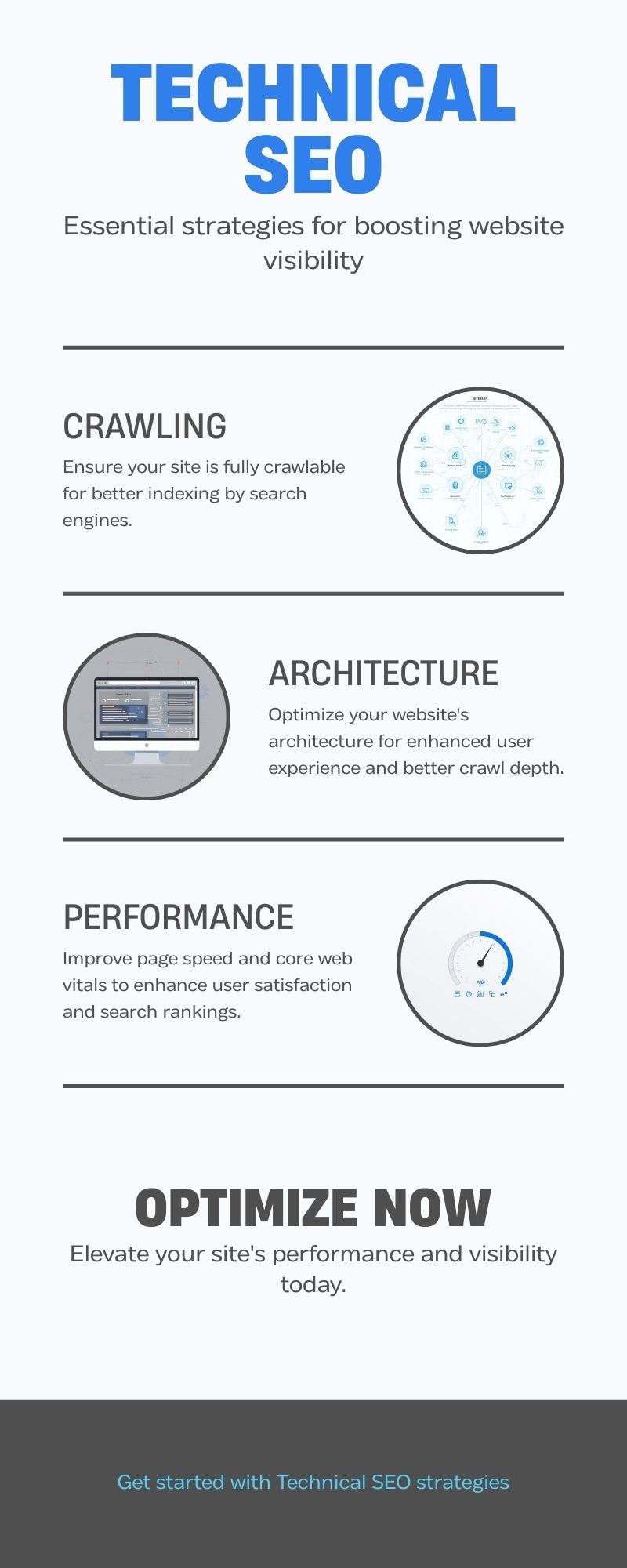
Mobile-first indexing means Google predominantly uses the mobile version of your site for indexing and ranking.
Ensure content parity between mobile and desktop versions so users and crawlers accessing your mobile site see the same comprehensive content.
Check that your viewport meta tag enables responsive scaling and layouts adapt properly to different screen sizes.
Mobile usability problems frustrate users and trigger ranking penalties.
Fix touch target sizing where buttons or links sit too close together for accurate tapping. Ensure readable font sizes without requiring zoom.
Remove intrusive interstitials that block content immediately after users arrive from search.
Audit mobile usability through Google Search Console's dedicated report.
Test real performance on mobile devices since they often have slower connections and less processing power than desktop.
Pages that load acceptably on desktop can become unusable on mobile without optimization.
Mobile speed directly impacts search rankings and conversion rates, making mobile optimization essential in 2026.
Security and HTTPS
HTTPS implementation protects user data and serves as a confirmed ranking signal.
Ensure site-wide HTTPS with valid TLS certificates covering all subdomains.
Set up 301 redirects from HTTP to HTTPS automatically so users and search engines always reach the secure version.
Update all canonical tags, sitemap references, and internal links to use HTTPS URLs rather than relying solely on redirects to fix protocol mismatches.
Security headers add protection layers against common attacks.
HTTP Strict Transport Security (HSTS) forces browsers to use HTTPS for all connections.
X-Frame-Options prevents clickjacking by controlling whether your site can be embedded in iframes.
Content Security Policy (CSP) restricts which sources can load scripts and other resources, blocking malicious code injection.
While not all security headers directly impact SEO, compromised sites get flagged in search results or removed entirely, making security fundamental to maintaining visibility.
Monitor for malware infections and hacked content that insert spam links or redirect users to malicious sites.
Security issues tank rankings quickly and destroy user trust.
Set up alerts for sudden traffic drops or unusual server activity that might indicate compromise. Regular security audits catch vulnerabilities before attackers exploit them.
Structured Data and Rich Results
Schema markup helps crawlers understand your content's context and enables rich results in search engine results pages.
Implement appropriate schema types based on your content: Article schema for blog posts, Product schema for e-commerce, Organization and LocalBusiness for company information, Breadcrumb schema for navigation, FAQ and HowTo for instructional content.
Structured data doesn't guarantee rich results but makes you eligible for enhanced listings that increase click-through rates.
Validate schema markup using Google's Rich Results Test to ensure proper implementation.
Test structured data on representative page templates since errors propagate across hundreds or thousands of pages.
Monitor structured data errors in Search Console and fix validation issues.
Common problems include missing required fields, incorrect property types, or mismatched values between schema and visible content.
International SEO and Hreflang
Hreflang tags tell crawlers which language or regional version to show users based on their location and language preferences.
Implement hreflang for multi-language or multi-country sites using correct language and region codes.
Each language version must include self-referencing hreflang tags and bidirectional references to alternate versions.
Common hreflang mistakes include missing return tags, incorrect language codes, or conflicting signals where hreflang contradicts canonical tags.
Validate hreflang implementation with specialized tools.
Even small hreflang mistakes can send users to wrong language versions or prevent proper international indexing.
Advanced Indexing Strategies
Canonical versus noindex decisions depend on whether you want to consolidate signals to a preferred version or completely exclude content from the index.
Use canonical tags when duplicate or near-duplicate content should exist for users but you want bots to credit one primary version.
Use noindex when content shouldn't appear in search results at all, like thin filtered pages, search results pages, or user account dashboards.
Robots.txt blocking prevents crawling entirely but doesn't guarantee pages won't get indexed if external links exist.
Faceted navigation on e-commerce sites creates infinite URL combinations as users filter products by size, color, brand, price, and other attributes.
This generates thousands of low-value pages that waste resources without targeting meaningful keywords.
Handle faceted navigation through canonicalization pointing filter variations to main category pages, parameter configuration telling bots which parameters to ignore, or selective noindexing of low-value combinations while allowing strategic filter pages for popular searches to get indexed and compete.
Balance efficiency against user experience since blocking or noindexing affects what users can access through search even if site navigation allows it.
Test strategies in staging environments before applying to production, and monitor coverage carefully after implementation to catch unintended consequences.
Monitoring and Maintenance
Server log analysis reveals exactly how crawlers interact with your site.
Analyze which pages get crawled most frequently, identify crawl errors, and spot anomalies like sudden drops in crawl rate.
Log data shows which user agents consume crawl budget on low-value pages, letting you block wasteful bot traffic while ensuring important crawlers get access.
Automated monitoring catches issues before they impact rankings significantly.
Set up alerts for uptime drops, spikes in 4xx or 5xx errors, Core Web Vitals degradation, and indexing coverage changes.
Track key SEO metrics like organic traffic, indexed pages, and crawl stats to identify trends.
Dashboard tools aggregate data from Search Console, analytics, and speed testing platforms.
Regular re-audits verify that fixes actually resolved issues and didn't introduce new problems.
Technical SEO involves ongoing maintenance. Sites accumulate new issues through content updates and template changes.
Quarterly comprehensive audits supplemented by monthly targeted checks keep technical debt manageable.
Prioritizing Technical Fixes
Impact versus effort matrices help you prioritize where to focus limited development resources.
Plot issues based on estimated traffic or ranking impact against development complexity.
Fix high-impact, low-effort issues first since they deliver quick wins.
Tackle high-impact, high-effort problems next since they provide major benefits worth the investment.
Defer low-impact items unless they're trivially easy to fix alongside other work.
Consider business context when ranking priorities.
Pages driving conversions or revenue take precedence over informational pages with similar traffic.
Brand-critical pages matter more than obscure long-tail content.
Widespread template issues affecting thousands of pages outweigh single-page problems even if that individual page gets decent traffic.
Balance technical perfection against practical business returns, focusing efforts where technical improvements translate to measurable SEO performance gains.
Collaboration between SEO and development teams determines execution success.
SEOs identify issues and explain ranking impact, but developers implement fixes with appropriate testing and staging workflows.
Use ticketing systems to track requests, provide context about why fixes matter, and document expected outcomes.
Build trust through clear communication, realistic timelines, and acknowledging development constraints.
Technical SEO requires partnership, not just handing developers a list of demands.
Common Technical SEO Issues
Broken links frustrate users and waste link equity that could flow to working pages.
Check for 404 errors both from internal links and inbound links from other sites. Implement 301 redirects from broken URLs to appropriate replacement content or category pages.
Don't leave valuable inbound links pointing to dead pages when 301 redirects can preserve their value. Monitor new broken links through tools and Search Console reports.
Duplicate content issues arise from printer-friendly versions, session IDs in URLs, HTTP versus HTTPS variants, www versus non-www domains, and pagination without proper canonicalization.
Identify duplicates through crawl tools that group similar content.
Consolidate through canonical tags, 301 redirects to preferred versions, or noindex on truly duplicate pages that serve specific functionality needs but shouldn't compete for rankings.
Redirect chains occur when URL A redirects to B which redirects to C, forcing browsers and search engines through multiple hops.
This slows page load times and can cause search engines to give up before reaching the final destination.
Audit redirect paths and update them to point directly to final destinations in single hops.
Clean up redirect maps during migrations rather than piling redirects on top of existing redirect layers.
Tools for Technical SEO
Google Search Console provides foundational data about how Google crawls and indexes your site.
Coverage reports show indexed pages and exclusions. Performance reports reveal which queries drive clicks.
Page experience reports track Core Web Vitals.
URL Inspection tool shows how Google renders specific pages. Submit sitemaps, request indexing, and monitor for security issues through Search Console.
Crawl tools like Screaming Frog, Visitemap, Sitebulb, and DeepCrawl systematically audit sites for technical problems.
These tools identify broken links, redirect issues, missing meta tags, duplicate content, and thousands of other technical factors.
Schedule regular crawls to benchmark technical health.
Speed testing tools including PageSpeed Insights, Lighthouse, and WebPageTest measure performance and suggest optimization opportunities.
Test key page templates and top landing pages to understand where performance optimization delivers maximum impact.
Track speed metrics over time to ensure improvements stick.
Measuring Technical SEO Success
Track organic traffic growth as the ultimate outcome metric, but recognize that technical SEO is one factor among content quality, backlinks, and market competition.
Isolate technical impact by comparing organic performance before and after major technical improvements.
Monitor crawl stats including pages crawled per day, crawl errors, and time spent downloading pages.
Increasing crawl efficiency suggests better crawl budget usage and faster discovery of new content.
Watch index coverage for growth in successfully indexed important pages and reduction in pages excluded for technical reasons.
Improved index coverage means more of your content competes for rankings.
Track Core Web Vitals scores across key templates, measuring improvement toward Google's targets.
Maintaining Long-Term Technical Health
Technical SEO checklist implementation succeeds through systematic execution. Build quarterly audit schedules into your workflow.
Create documentation templates that standardize how you record issues and track fixes.
Train team members on technical SEO basics so everyone understands how their work affects search engine optimization.
Stay current with technical changes in 2025 and 2026 as algorithms evolve and new requirements emerge.
Subscribe to Google Search Central blog and monitor industry resources.
Technical debt accumulates gradually through template modifications and platform updates.
Regular maintenance prevents accumulation by catching small issues before they multiply.
Budget time for technical SEO alongside content creation rather than treating it as an occasional emergency response.
Building Your Technical Foundation
Technical SEO ensures that search engines can access, understand, and rank your content while users experience fast, secure, mobile-friendly pages that load smoothly.
This technical checklist covers crawlability, site architecture, on-page elements, performance, mobile optimization, security, structured data, international targeting, and ongoing monitoring.
Each element contributes to the technical foundation that effective SEO strategies require.
Start with your robots.txt file and sitemap to control crawl and index access.
Fix broken links and implement proper redirects. Optimize URLs and internal linking for logical structure.
Deploy HTTPS site-wide with proper security headers. Improve Core Web Vitals through image optimization, code minification, and server improvements.
Ensure mobile parity and responsive design. Add schema markup for rich results eligibility. Implement hreflang for international sites.
The difference between sites that rank consistently and those that struggle often comes down to technical health.
Content quality matters enormously, but technical barriers prevent great content from ever competing.
Links build authority, but technical problems squander that authority through poor architecture or slow performance.
Invest in technical optimization alongside content and links, and you create the complete package search engines reward with top rankings and users reward with engagement.
Want to monitor your entire website's health?
Run automated SEO scans, track uptime, and get alerts for critical issues with our comprehensive monitoring dashboard.
Start Monitoring for Free